Big-button mode
Four big buttons for your parent
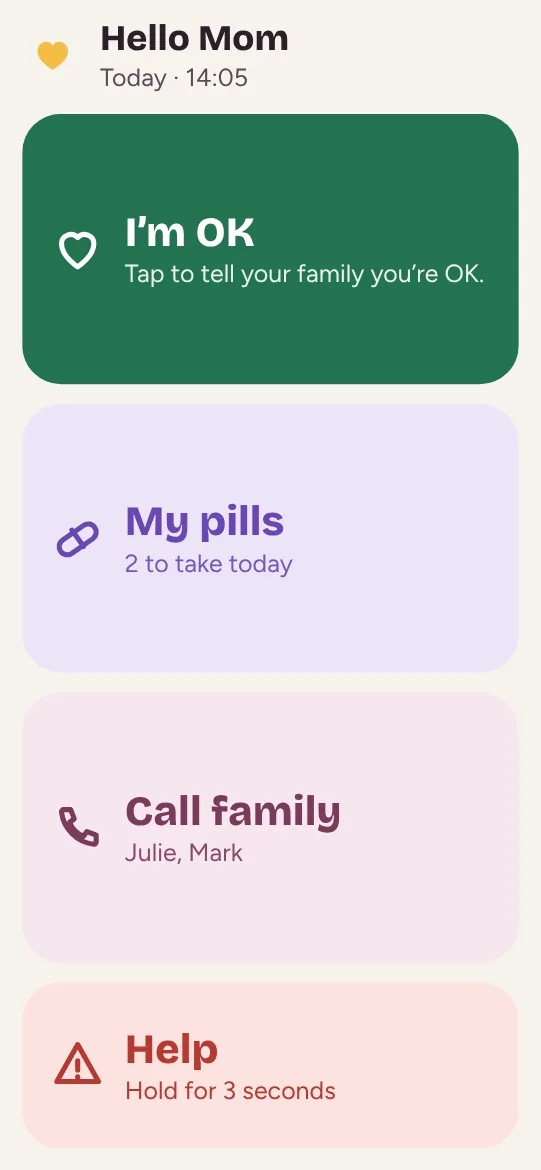
No menus, no small print. Your loved one sees four buttons readable from across the room, and nothing else.


4
buttons
3 s
to hold for Help
0
menus to learn
Made for your loved one’s hands and eyes
I’m OK
One tap, and the family knows all is well.
My pills
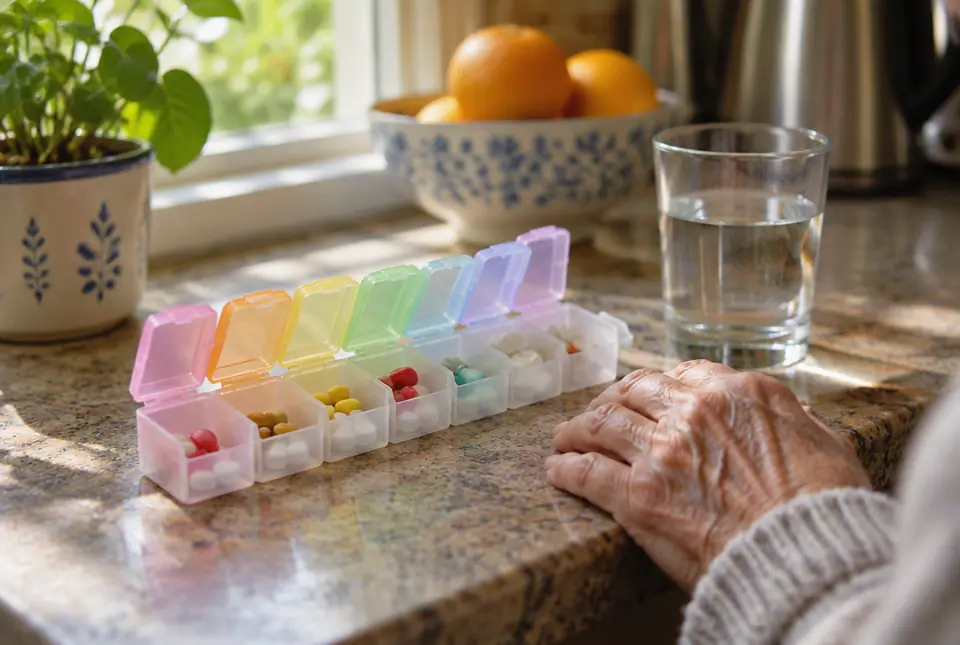
Today’s pills, with “I took it” on each one.
Call family
The circle’s numbers, in big type. One tap to call.
Help, hold 3 s
Holding for three seconds alerts the whole circle. An accidental tap does nothing.
How it works
Open Maliah Care on their device
Their tablet or phone, with their loved-one account.
Loved-one mode appears
With the loved-one role, they only see the big buttons.
Try it together
A test “I’m OK”, and a call to the family.
Frequently asked questions
Does the Help button call 911?
No. Help alerts the circle. In an emergency, call the emergency number where your loved one lives.
Why hold for 3 seconds?
So an accidental tap doesn’t send the alert.
Does it work on a tablet?
Yes, on iPhone, Android, iPad, Android tablets and the web. The buttons fill the screen.
Maliah Care gives no medical advice and never calculates a dose.
More features
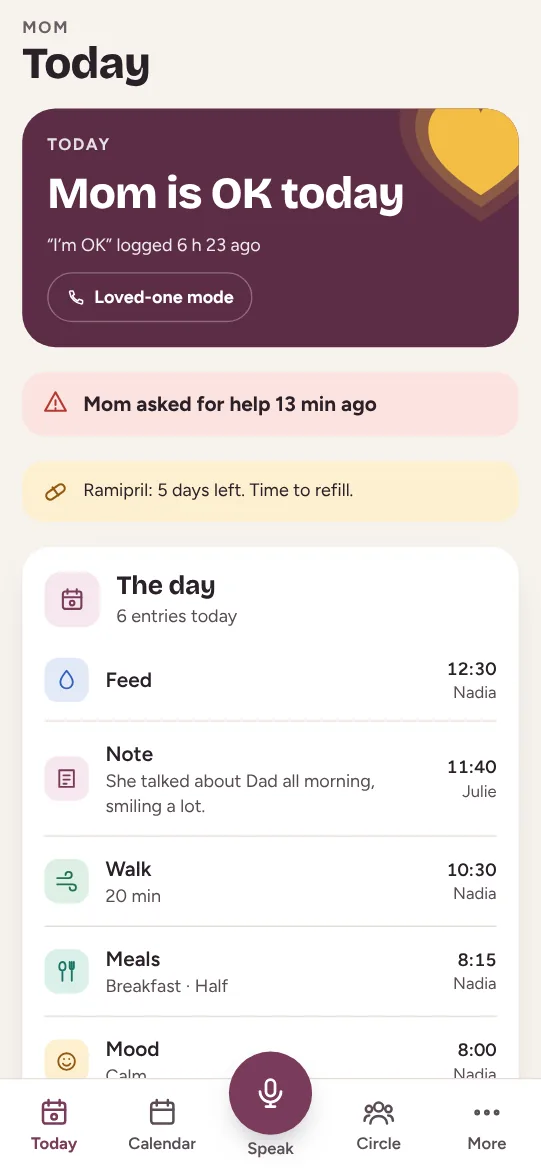
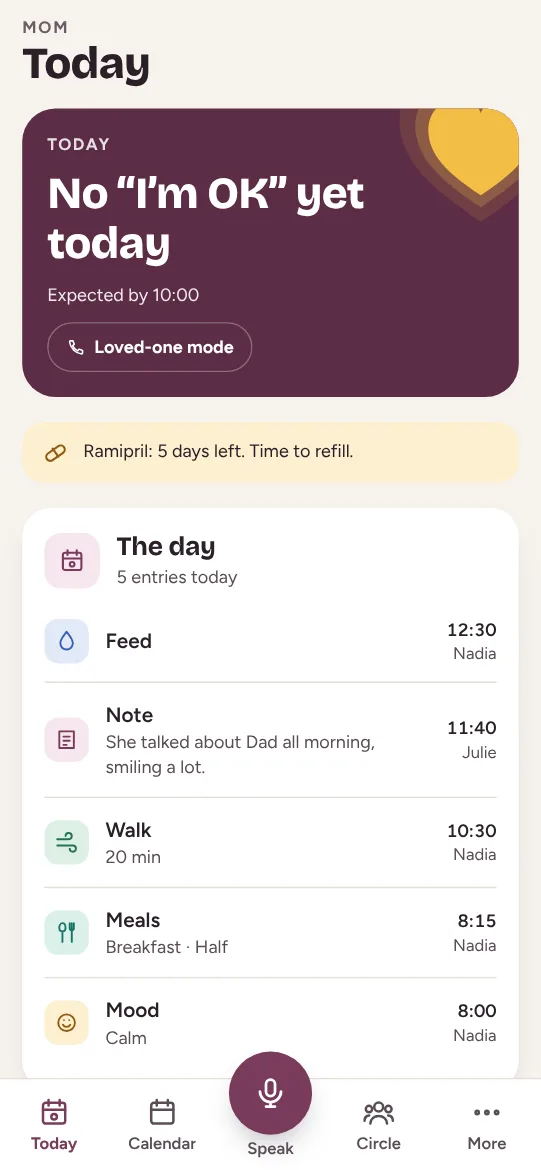
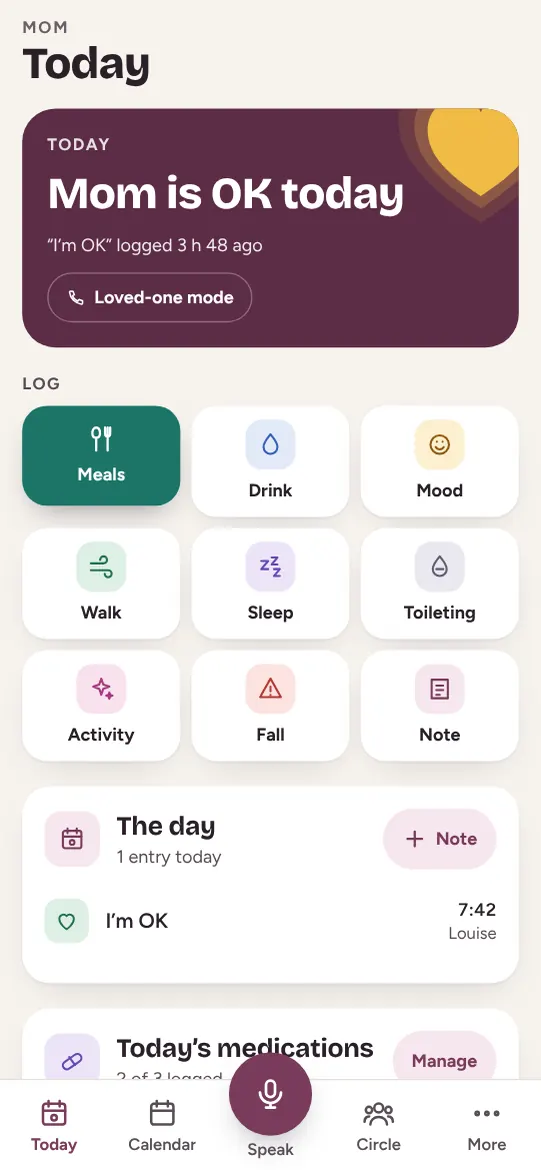
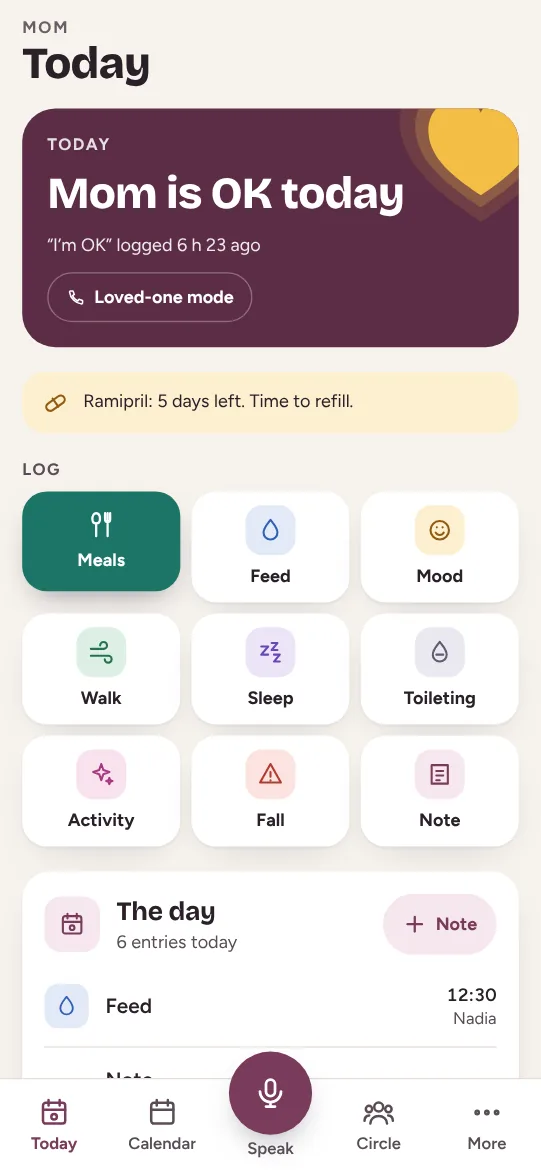
The daily “I’m OK”
One tap in the morning, the whole family reassured.
Learn more →
The daily care log
Meals, mood, walks, falls: the whole circle knows.
Learn more →
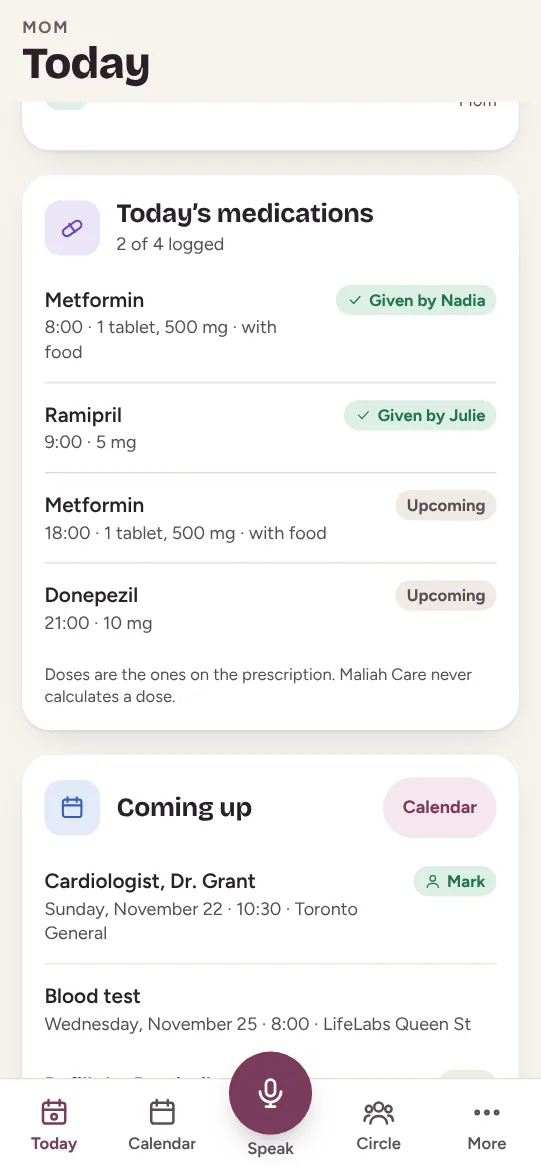
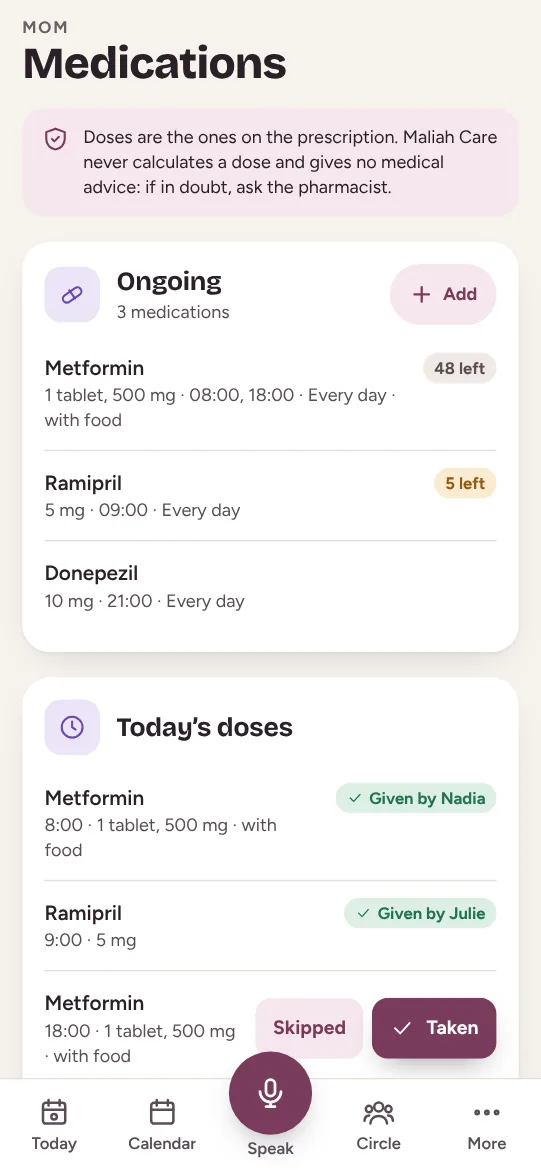
Medications
Who gave what, and a reminder before running out.
Learn more →
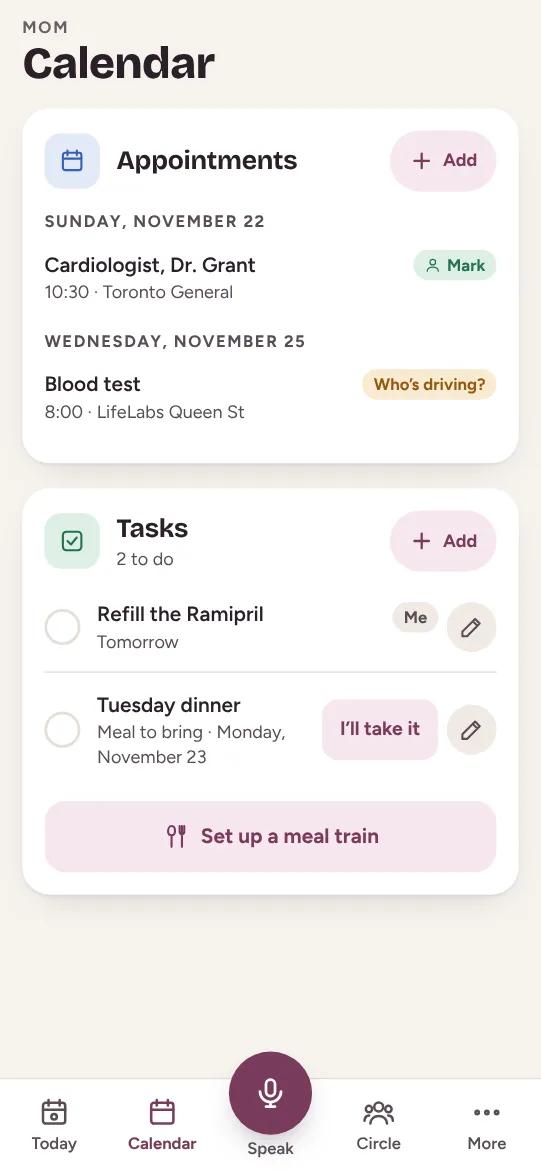
Agenda and tasks
Appointments, who drives, and a meal train.
Learn more →
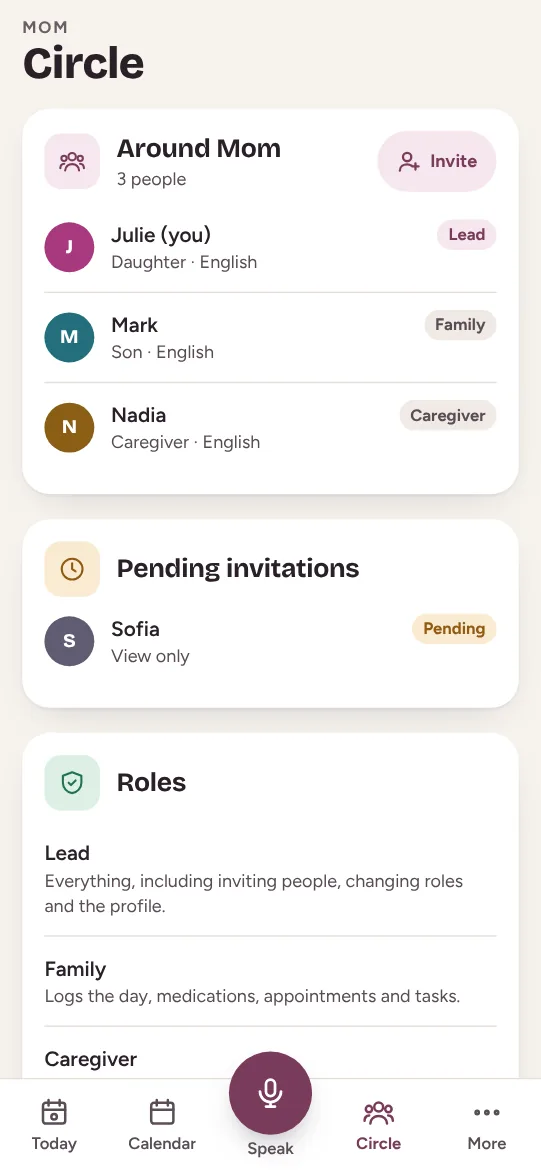
The circle and roles
Family, caregiver and your loved one, each with a role.
Learn more →
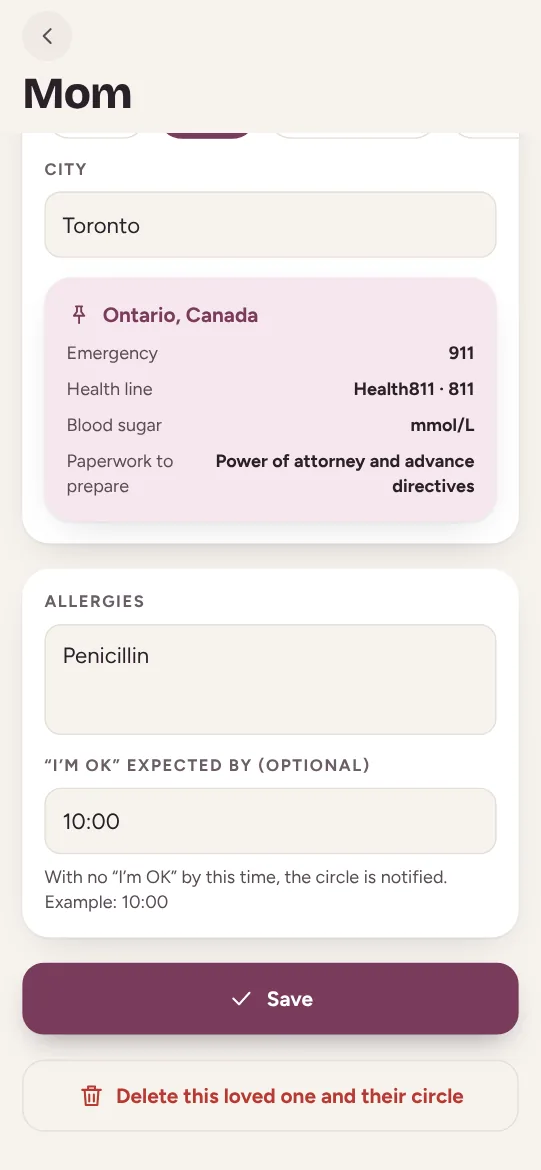
Emergency by place
911, 811 and the legal papers where your loved one lives.
Learn more →
The voice assistant
Say it, and Maliah logs it in the app.
Learn more →
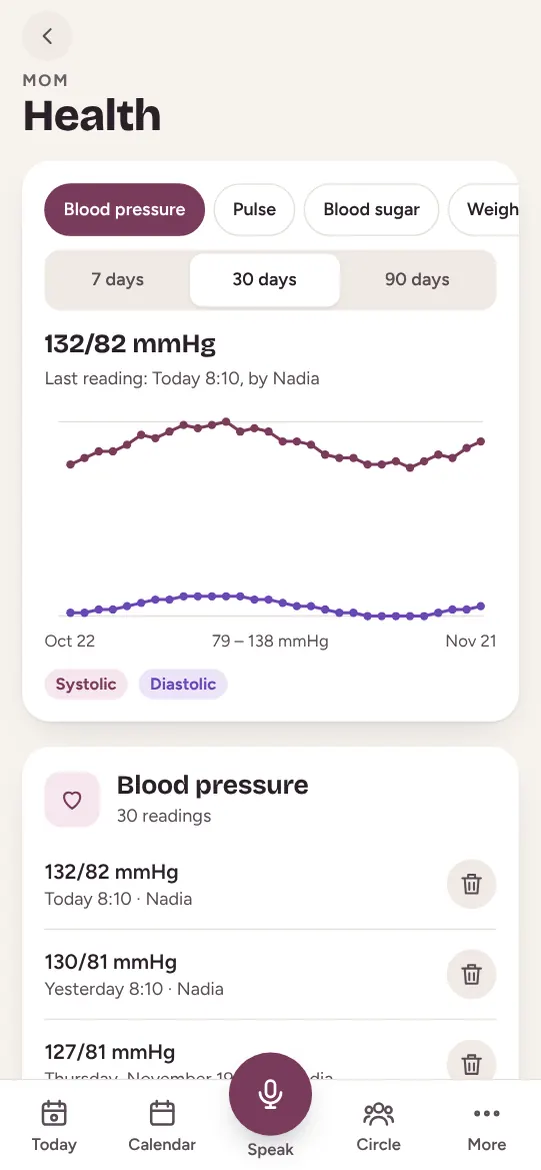
Health charts
Blood pressure, glucose, weight: the month’s charts.
Learn more →
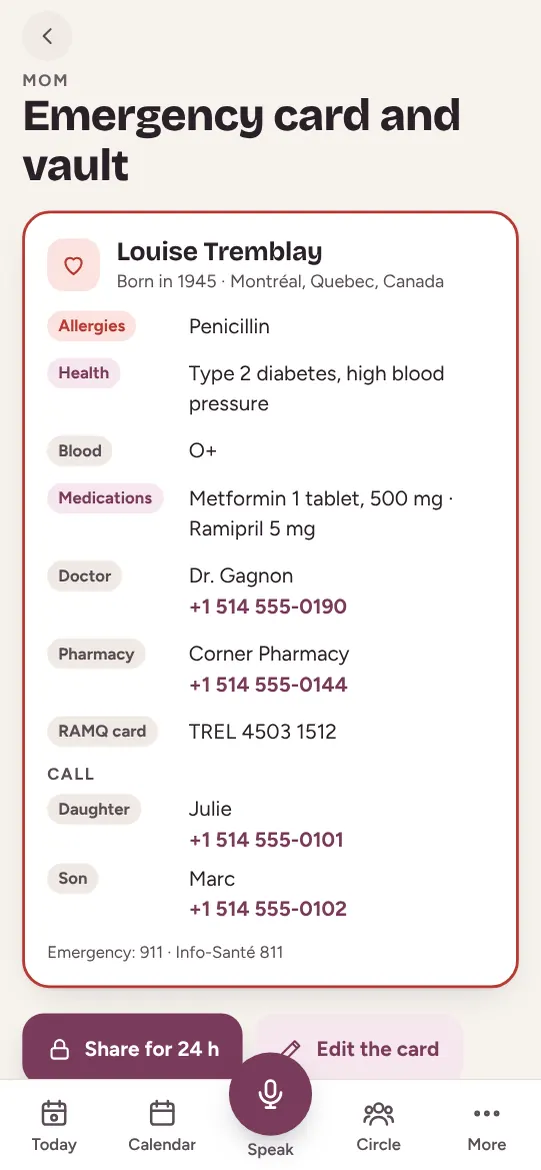
Emergency card and vault
Everything paramedics need to know.
Learn more →
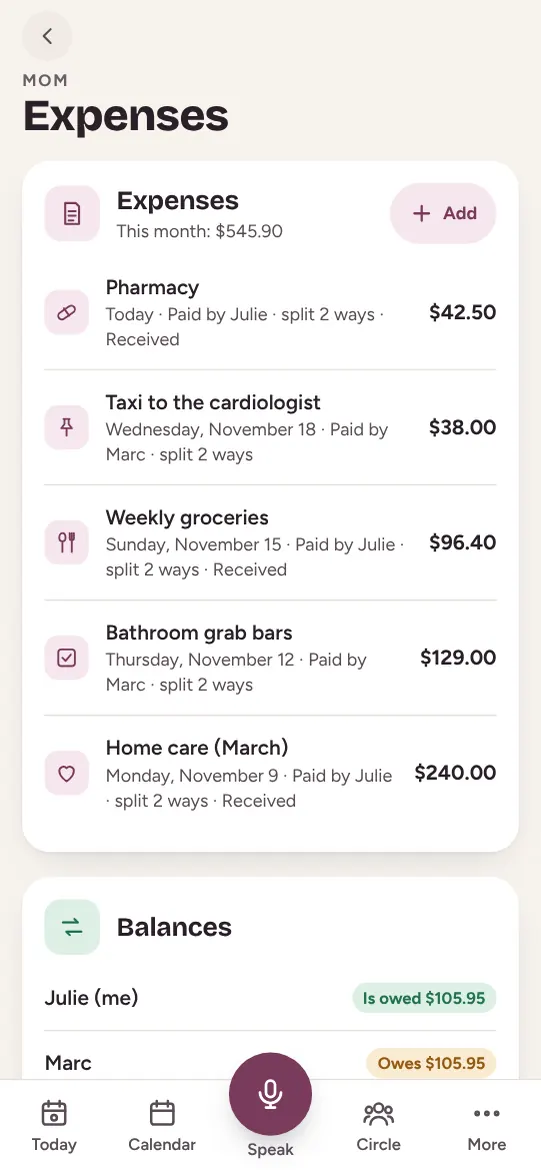
Shared expenses
Who paid for what, and who owes whom.
Learn more →
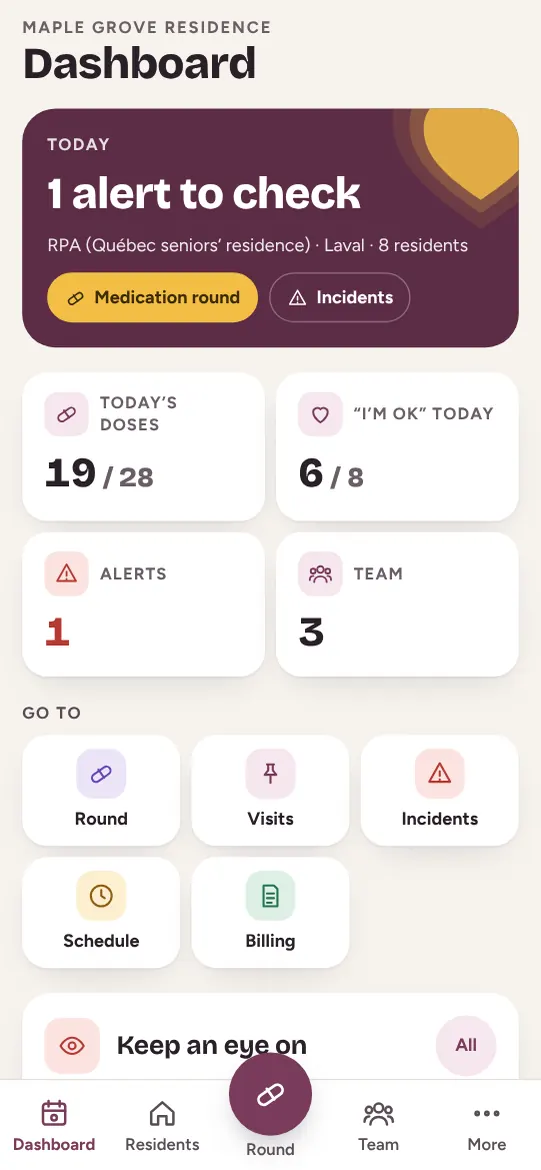
Software for care homes and agencies
Each resident’s day, shared with their family.
Learn more →
Guides and tools
Caring from a distance
Five things to set up, even from far away.
Read the guide →
Sharing care as a family
Who does what, so it doesn’t all fall on one person.
Read the guide →
The legal papers to prepare
Power of attorney, advance directives: by where your parent lives.
Read the guide →
Emergency numbers and health lines
Pick the place: the emergency number and the health line.
Try the tool →
Printable medication list
A clear sheet for the fridge, the doctor or the ER.
Try the tool →



Maliah Care
The whole family, around your loved one
Free to start, on iPhone, Android and the web. The same account as Maliah.