Help · Maliah Care
Maliah Care help
Short answers to families’ questions. Something else? Write to us.
Getting started
How do I add my loved one?
Open care.maliah.ca or the app, sign in with your Maliah account, then tap “Add a loved one”: their name, language and where they live.
Does my Maliah account work?
Yes. It’s the same account for Maliah, Maliah Classes and Maliah Care.
How much does it cost?
The essentials are free. Care Plus costs CA$7.99 a month, with a 7-day trial.
The circle
How do I invite someone?
In Circle, tap Invite, pick their role and share the link. It lasts 7 days.
How do I change a role?
The owner taps the person’s name in Circle, then Role.
How do I leave a circle?
Tap your name in Circle, then “Leave this circle”.
Loved-one mode and alerts
How do I open loved-one mode?
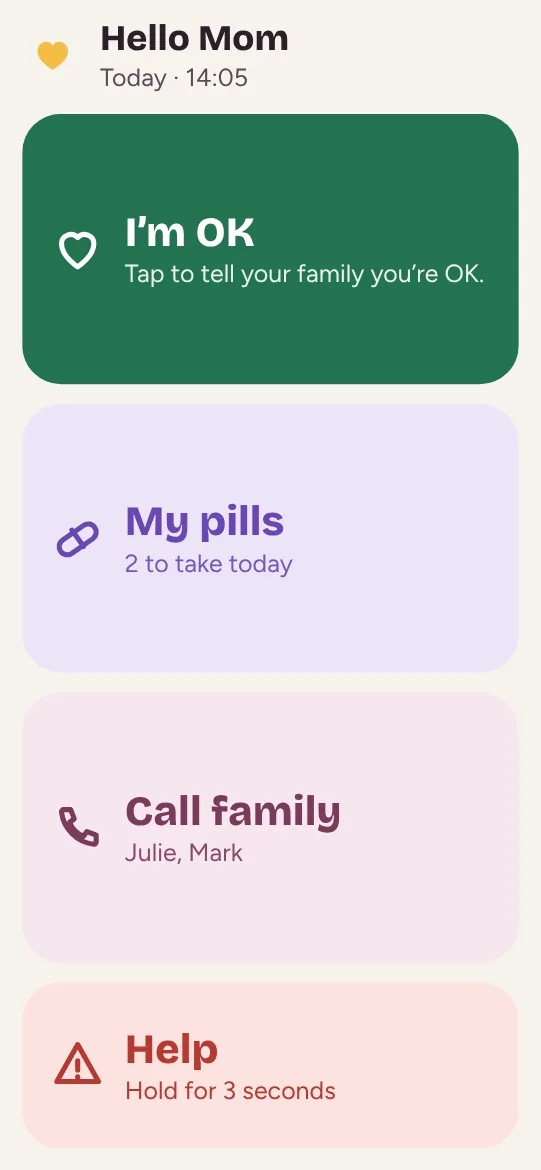
Invite your loved one with the loved-one role: on their device, they’ll only see the big buttons. You can also open it from More to try it.
How do I get alerts?
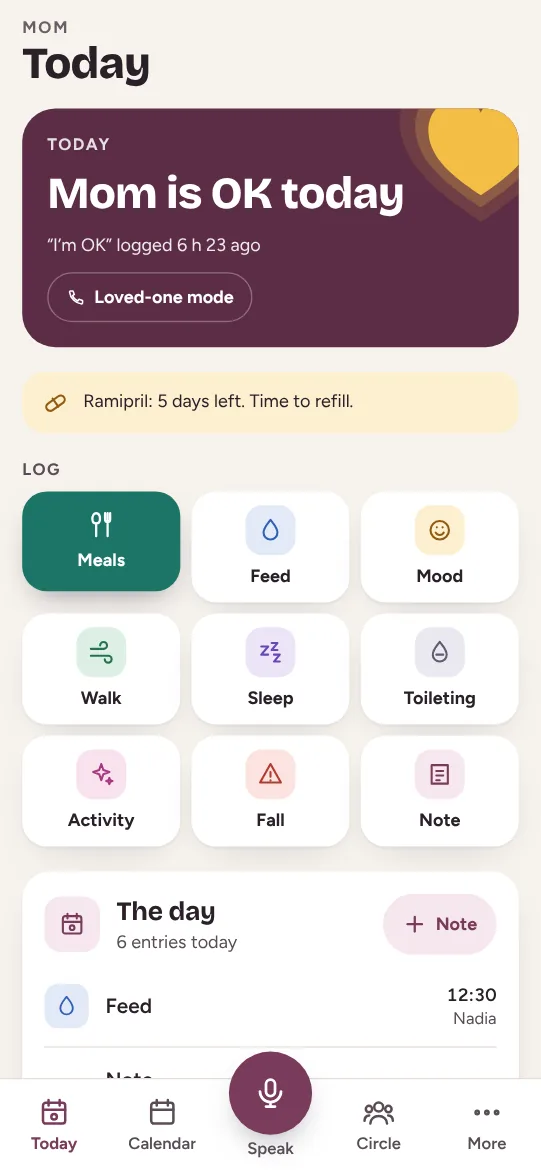
In More, turn on “Notify me of alerts”: missed “I’m OK” and help requested.
What should I do in an emergency?
Call the emergency number where you are or where your loved one lives. Maliah Care doesn’t replace emergency services.
Your data
Who sees my loved one’s information?
Only the members of their circle, according to their role. Access is checked by the server.
Where is the data kept?
In Canada, on the same server as Maliah.
How do I delete everything?
The owner can remove each member and delete entries. To delete your account, write to us.
Maliah Care gives no medical advice and never calculates a dose.
Guides and tools
Caring from a distance
Five things to set up, even from far away.
Read the guide →
Sharing care as a family
Who does what, so it doesn’t all fall on one person.
Read the guide →
The legal papers to prepare
Power of attorney, advance directives: by where your parent lives.
Read the guide →
Emergency numbers and health lines
Pick the place: the emergency number and the health line.
Try the tool →
Printable medication list
A clear sheet for the fridge, the doctor or the ER.
Try the tool →




Maliah Care
The whole family, around your loved one
Free to start, on iPhone, Android and the web. The same account as Maliah.

