Guide · family caregivers
Share the care so it doesn’t all fall on one person
Often the one who lives closest ends up doing everything. Here’s how to split it, even from far away.
Who does what
One owner
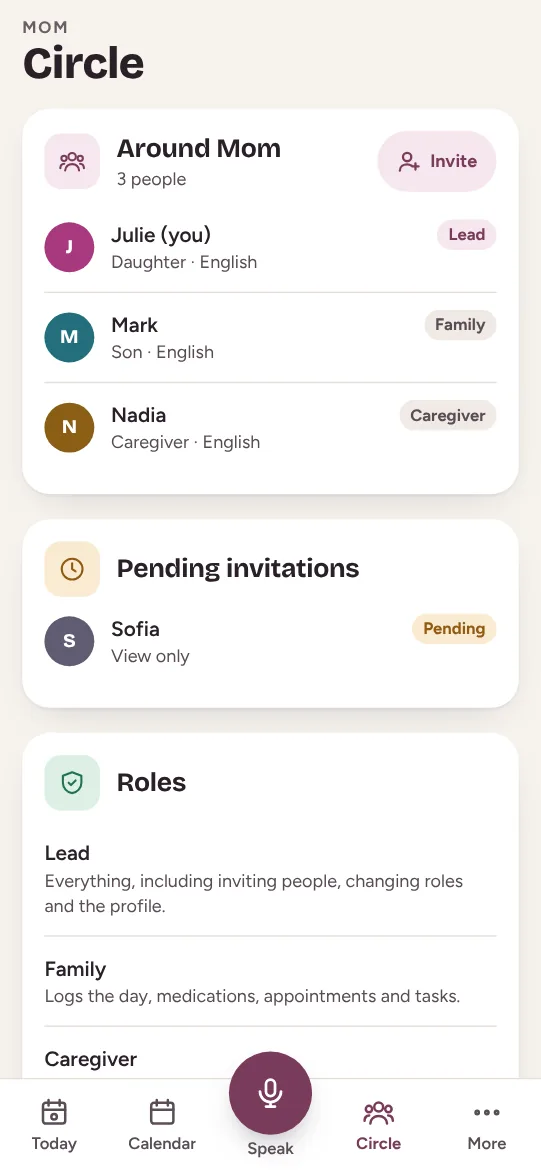
One person keeps the profile up to date and invites the others.
Rides
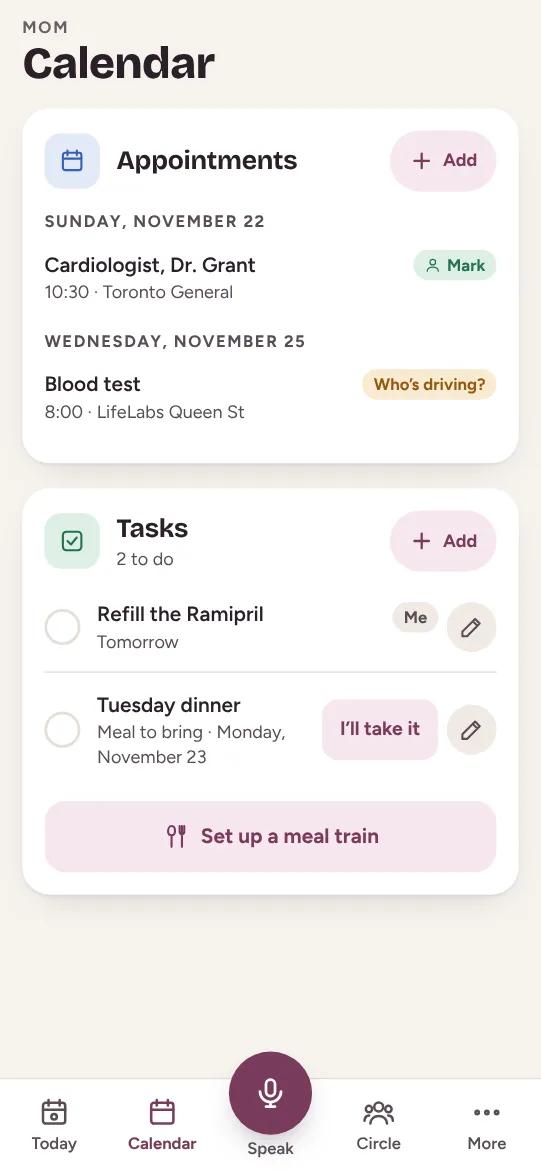
Every appointment has someone driving, and everyone can see it.
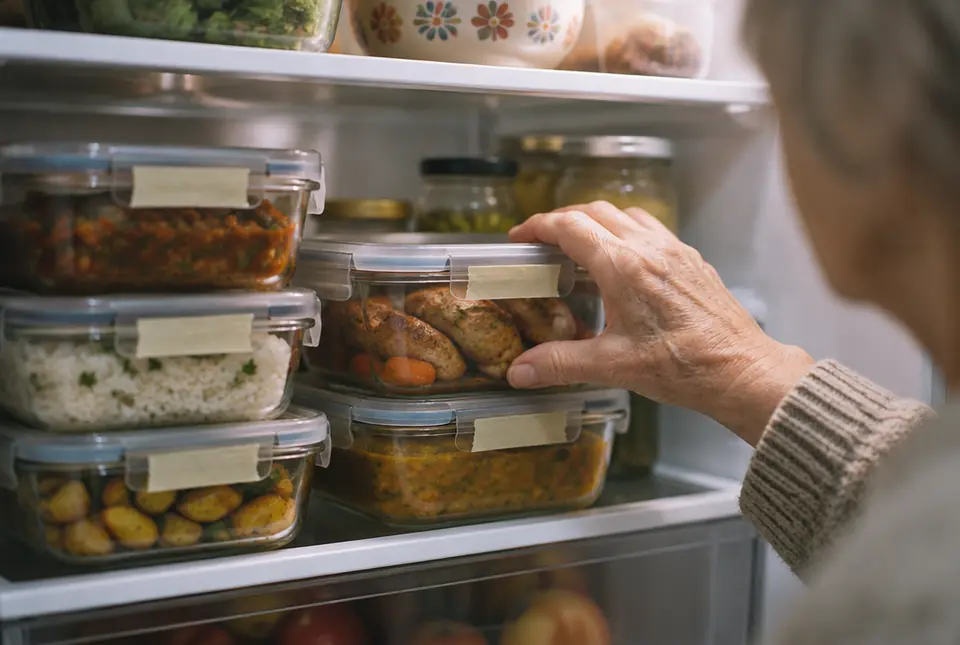
Meals
A meal train: everyone takes one evening a week.
The pharmacy
Whoever gets the “running low” reminder handles it.



Those far away help too
Calls
A set call every week, logged in the day.
Paperwork
Forms, booking appointments, the admin.
A break
Come for a weekend so the other can rest.



Frequently asked questions
Who should be the owner?
Whoever your parent chooses, often the person closest by. The role can change.
What if a sibling doesn’t help?
A specific task with a date works better than blame. “Can you drive Mom on Thursday?”
Everything the family shares
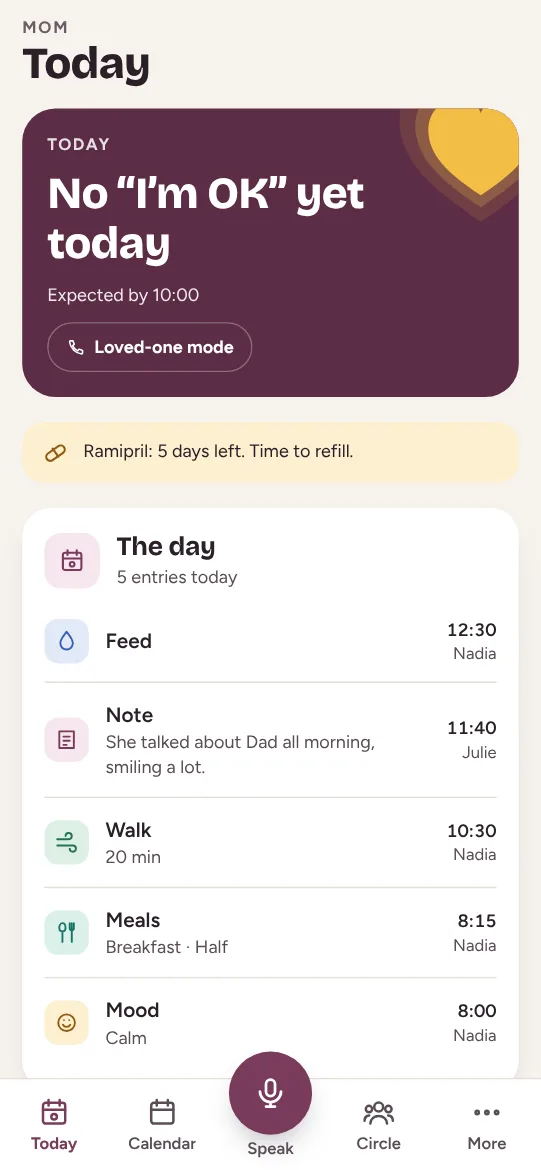
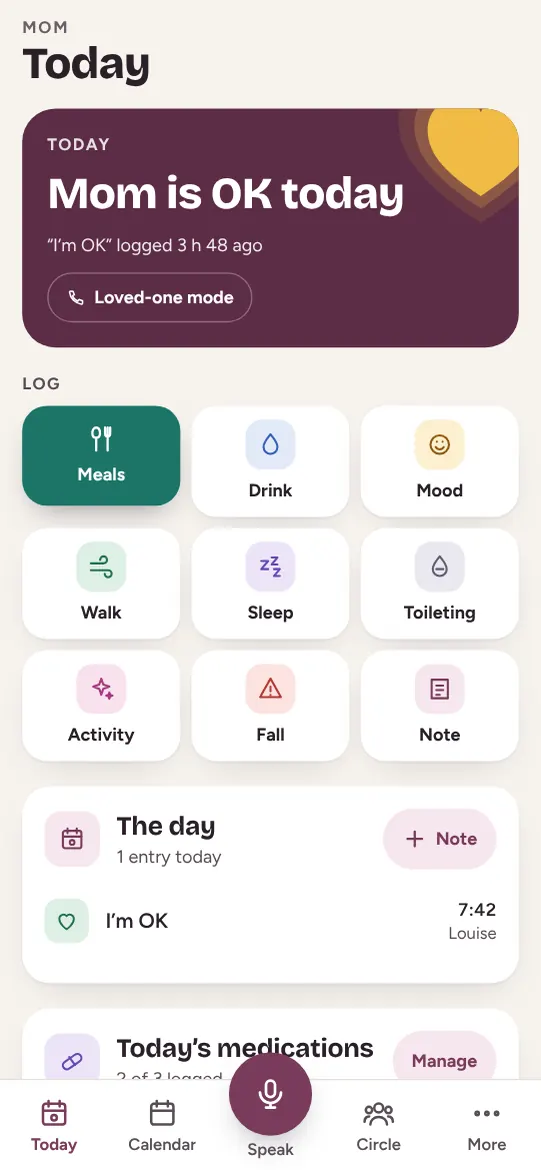
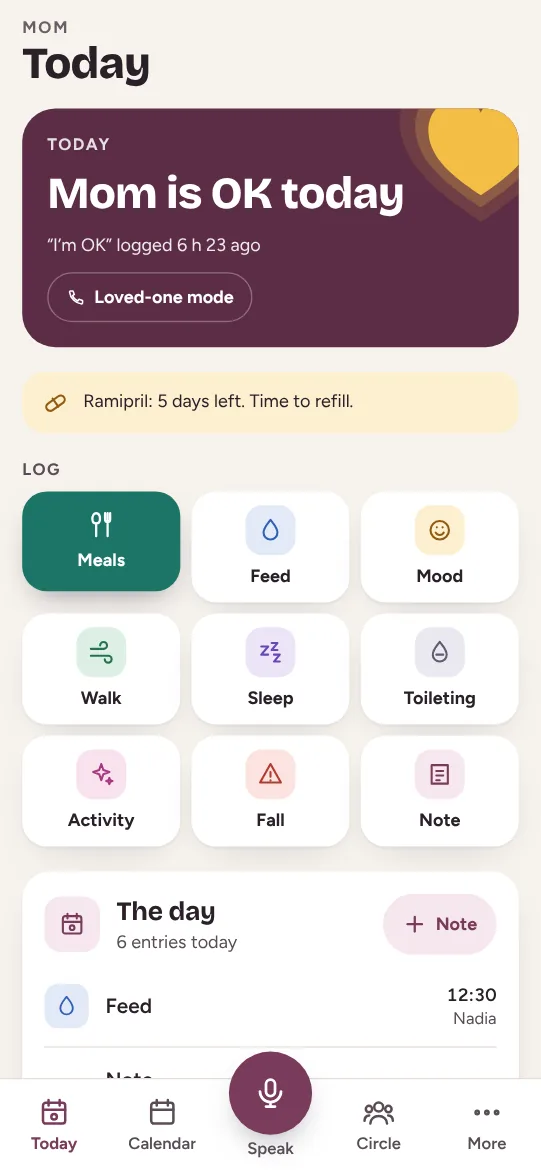
The daily “I’m OK”
One tap in the morning, the whole family reassured.
Learn more →
The daily care log
Meals, mood, walks, falls: the whole circle knows.
Learn more →
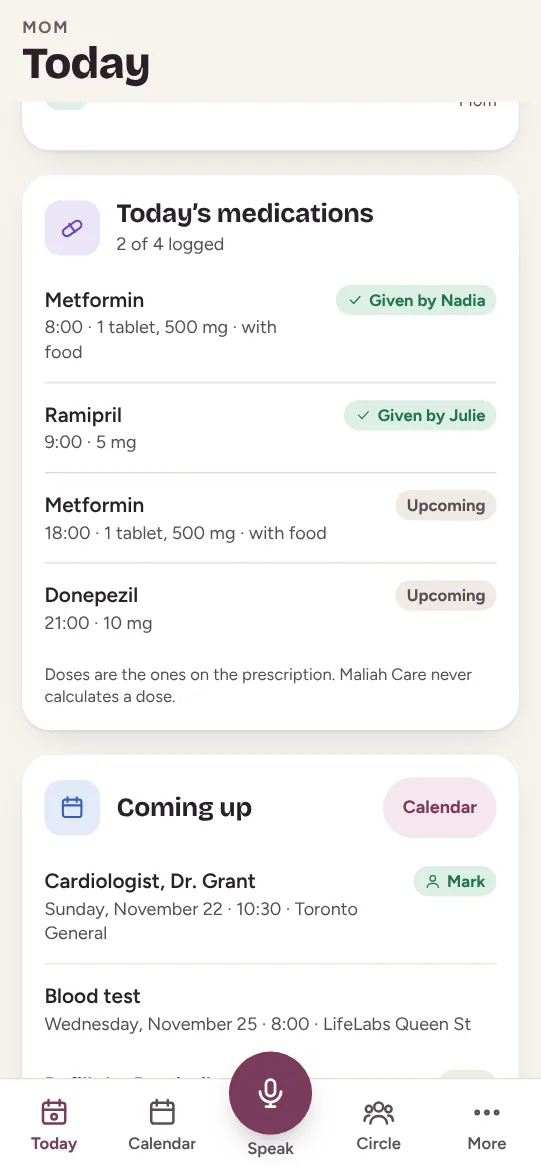
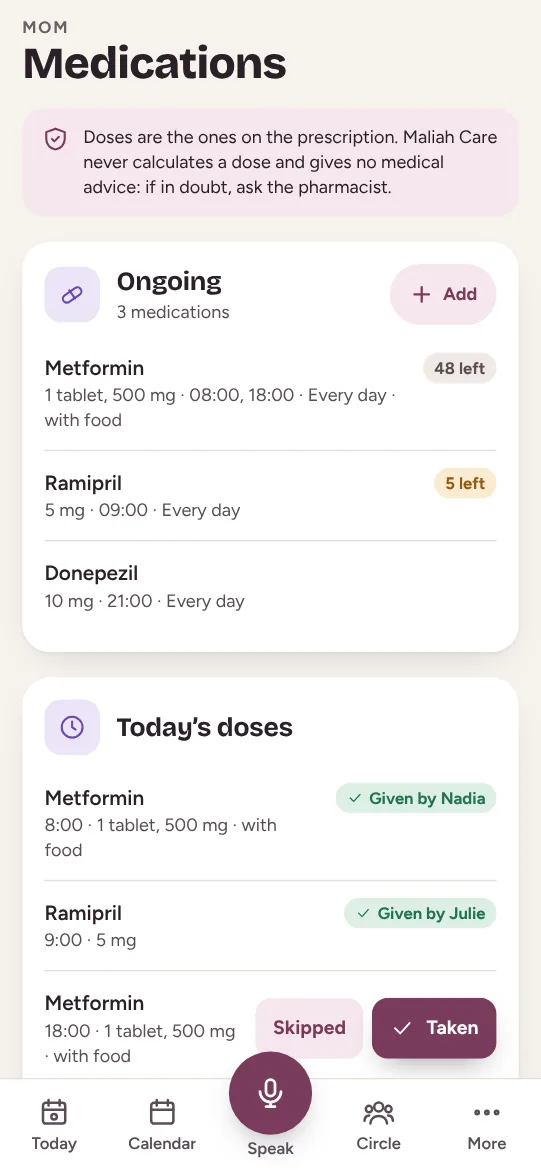
Medications
Who gave what, and a reminder before running out.
Learn more →
Agenda and tasks
Appointments, who drives, and a meal train.
Learn more →
The circle and roles
Family, caregiver and your loved one, each with a role.
Learn more →
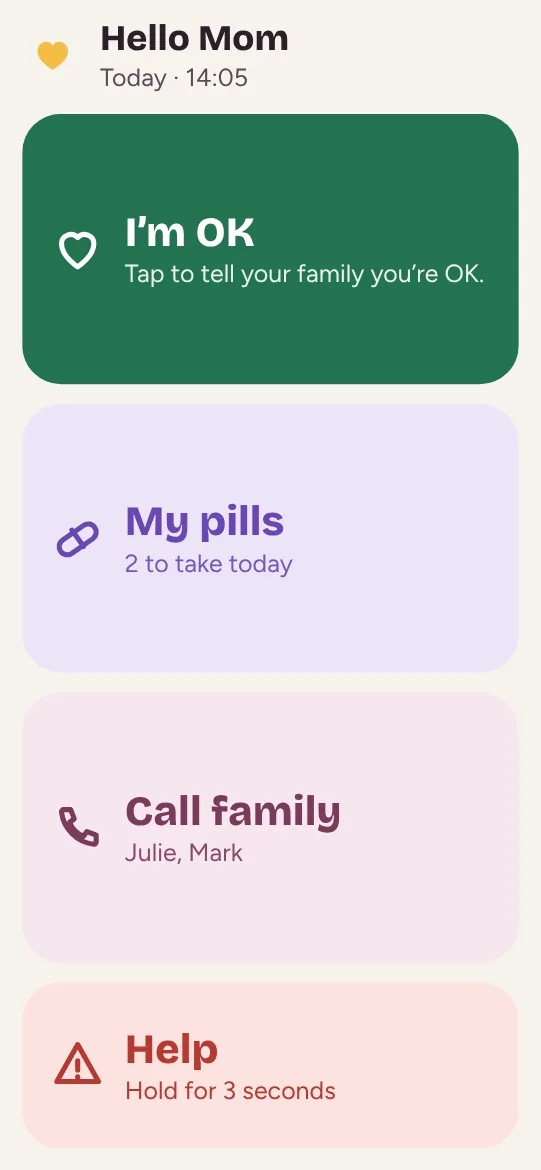
Big-button mode
I’m OK, My pills, Call, Help. Nothing else.
Learn more →
Emergency by place
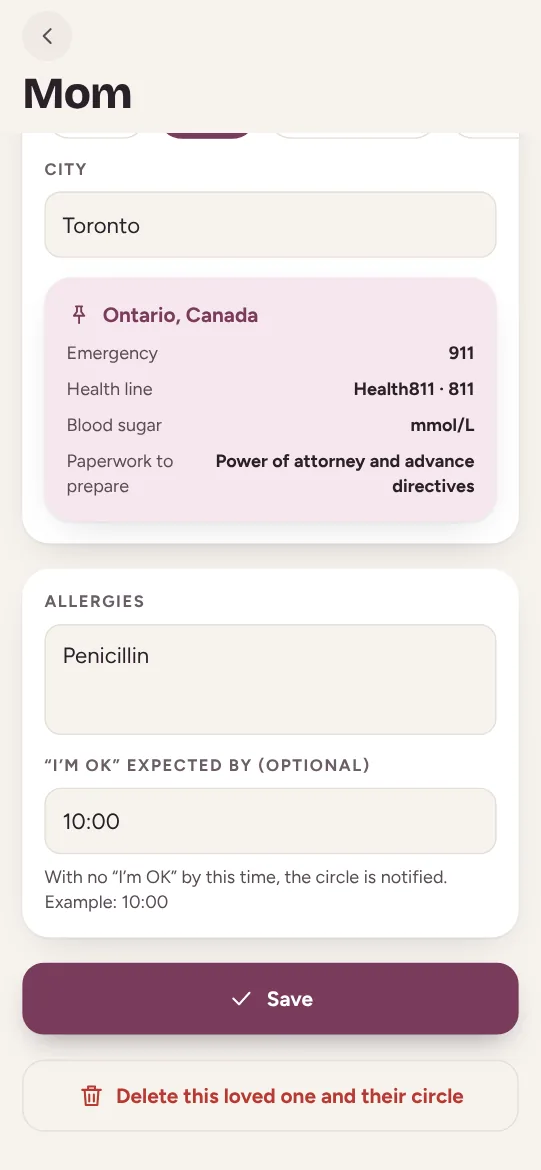
911, 811 and the legal papers where your loved one lives.
Learn more →
The voice assistant
Say it, and Maliah logs it in the app.
Learn more →
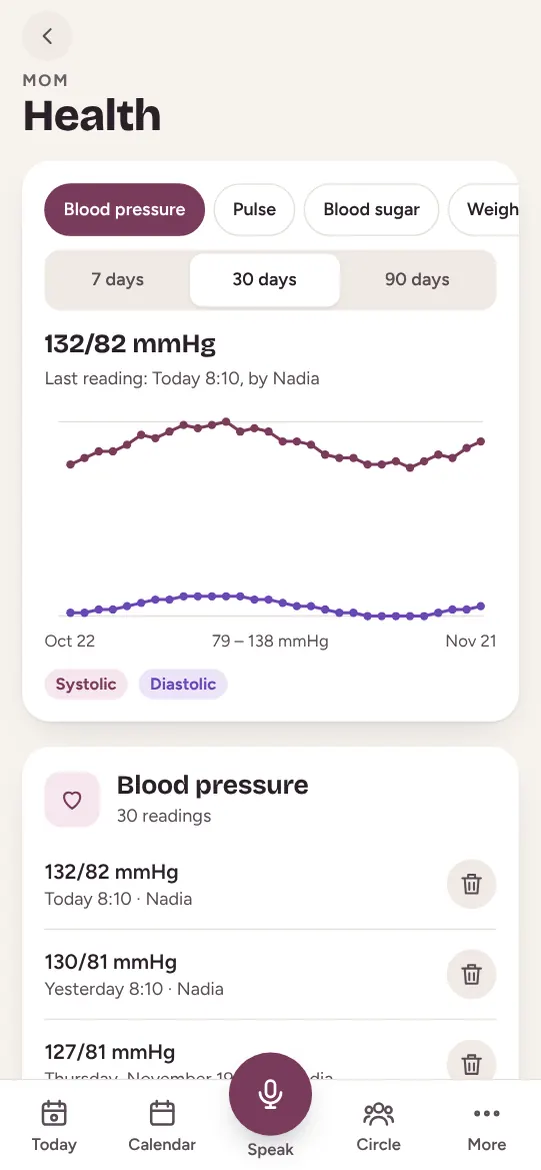
Health charts
Blood pressure, glucose, weight: the month’s charts.
Learn more →
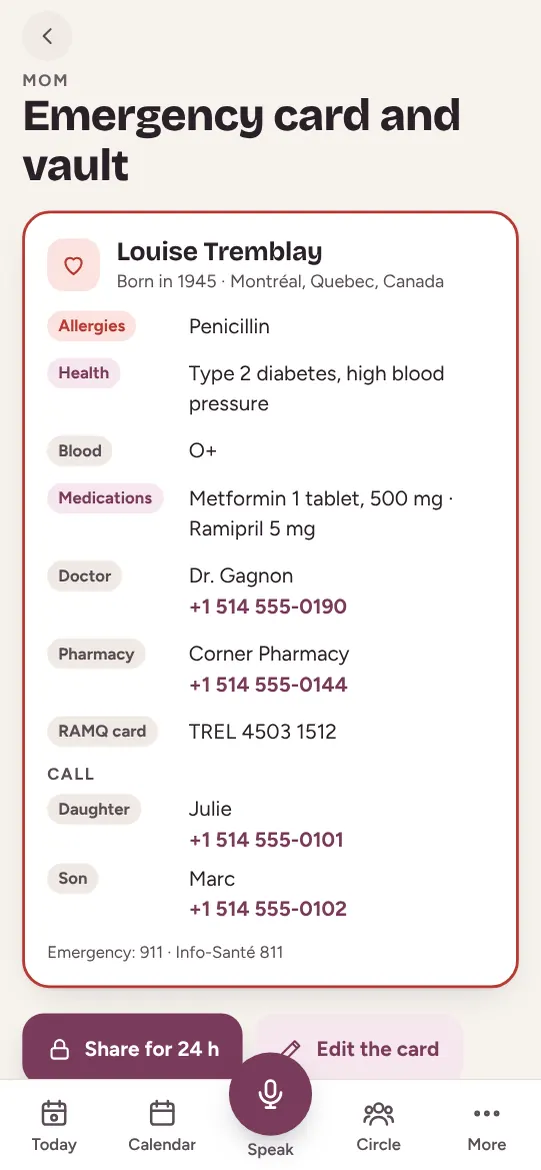
Emergency card and vault
Everything paramedics need to know.
Learn more →
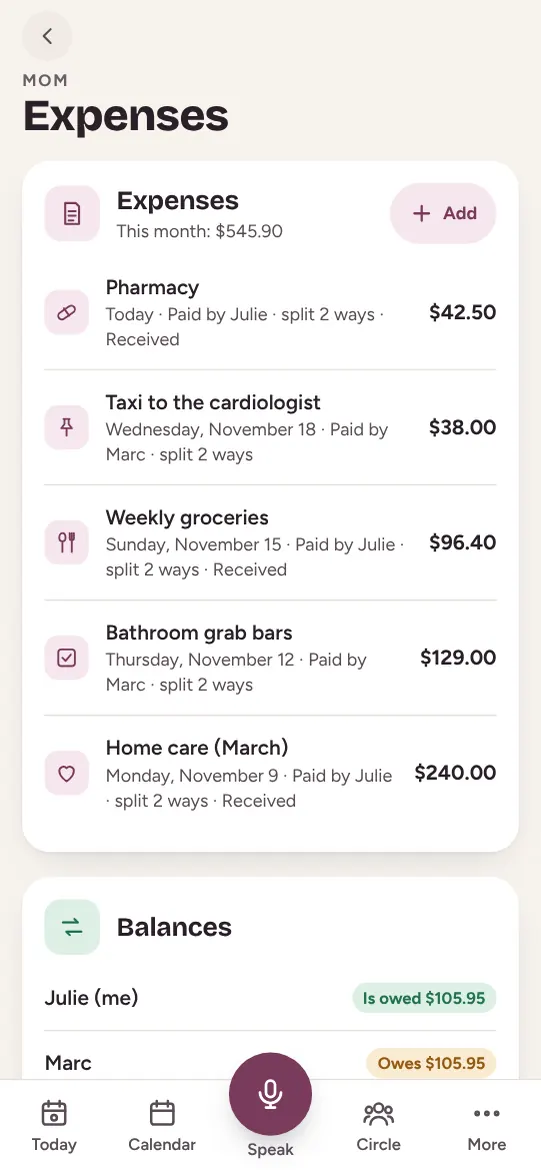
Shared expenses
Who paid for what, and who owes whom.
Learn more →
Software for care homes and agencies
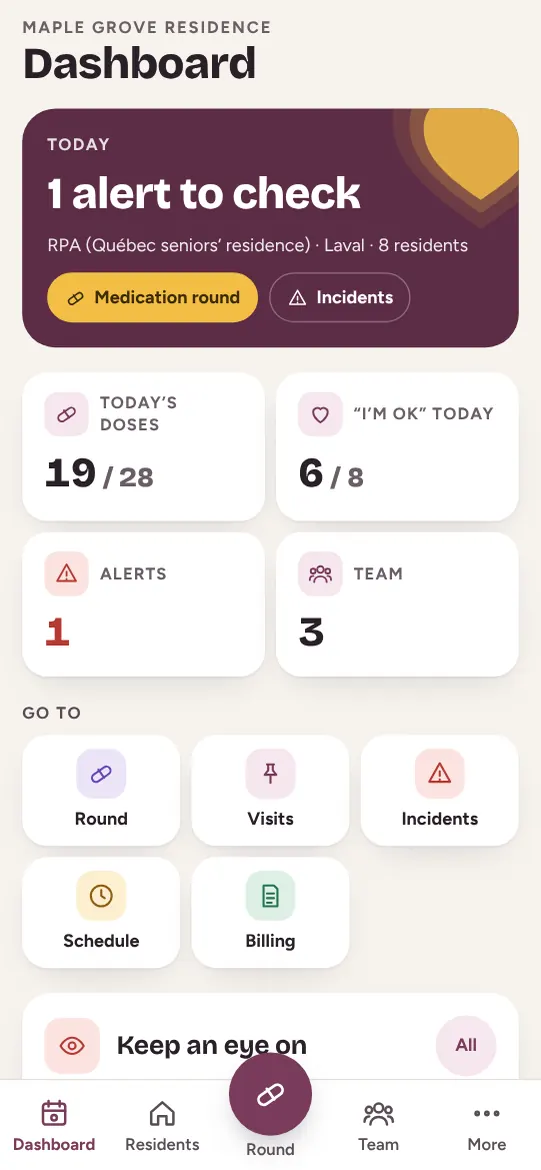
Each resident’s day, shared with their family.
Learn more →
Maliah Care
The whole family, around your loved one
Free to start, on iPhone, Android and the web. The same account as Maliah.

