Maliah Classes · Ratios by place
The right ratio for where your daycare is
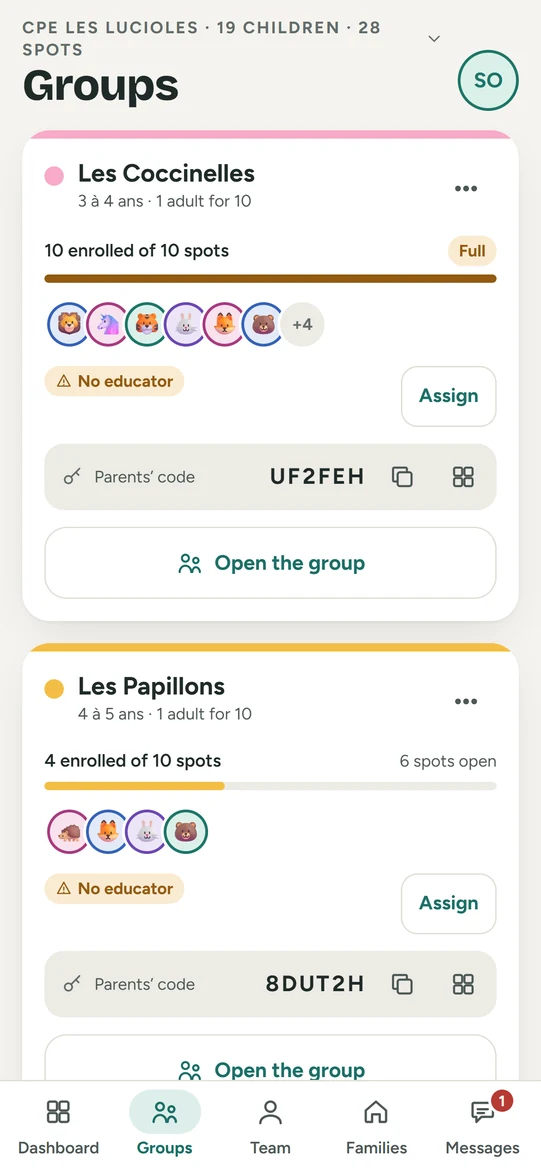
When you create a group, Maliah Classes suggests your state’s or province’s ratio, age band by age band. The day’s dashboard then flags any group over ratio.


- Essentials free forever
- No ads
- Hosted in Canada
- iPhone · Android · tablet · web
- 10 languages
What it does
- The daycare enters its country and state or province once.
- When you create a group, one chip per age band suggests the local ratio; one tap sets “Children per adult”.
- All 50 states and the District of Columbia, plus Québec, Ontario, British Columbia, Alberta, Manitoba, Nova Scotia, New Brunswick, and Newfoundland and Labrador.
- Elsewhere, the director sets the ratio: no suggestion rather than an unverified number.
- The day’s dashboard counts children and adults and shows whether each group is within ratio.
59
states and provinces covered
1 tap
to set a group
0 guesses
official texts only
Before and after
Before
- Rereading the regulation for every new group.
- Ratios kept in your head.
- Going over ratio, noticed too late.
Maliah Classes
- The local ratio suggested in one tap.
- Each group set once and for all.
- Over ratio flagged on the dashboard.
How it works
- Enter the daycare’s country and state or province.
- Create a group and tap the age band’s chip.
- The day’s dashboard tracks the ratio, group by group.
For everyone
The director
Sets each group with the local ratio, or their own.
The educator
Sees whether their group is within ratio, live.
The parent
Nothing to do: the daycare follows its local rules.
Frequently asked questions
Where do the suggested ratios come from?
From each state’s CCDF plan in the US and each province’s regulation in Canada. The source is shown in the app.
Is the suggested ratio required?
It’s a suggestion. The director stays in charge, and your official rule always comes first.
My province has no suggestion. Why?
We only suggest a ratio after reading the official text. Until then, you set it yourself.
A ratio of 3 to 10?
The counter rounds down, on the safe side.
Other features
 Attendance and ratios
 Daily log
 Dictate the journal
 Daily report
 Portfolio and portrait
 Parent communication
 Groups and spots
 Enrolment and families
 Team and tablet
 Billing and payments
 Tax receipts
 Sign-in at the door
 Attendance sheet
 Waitlist
 Schedules and time clock
 Incidents, emergency and medication
 Special needs and autism
 Calendar and menu
Free to start
Try it with your team tomorrow morning
The essentials are free for the whole team, and the plan has a 30-day free trial, on phone, tablet and computer.